
“TO EVER SERVE OUR CUSTOMERS BETTER”
For over one hundred years, Fabick Cat has employed and served the hard-working, let's get it done people that improve the quality of life in our community.



Fabick Cat Tech Challenge
WINNERS ANNOUNCED
Fabick Cat Tech Challenge
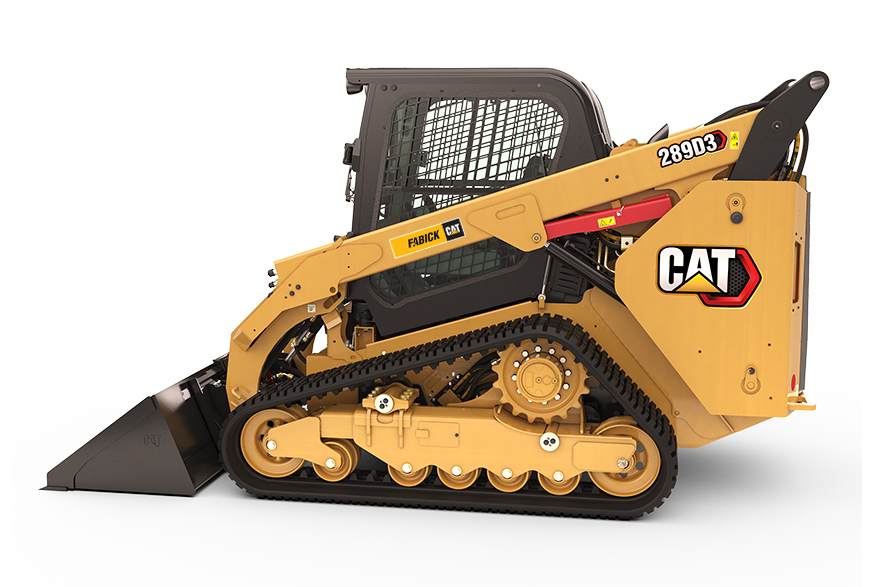
New Cat® Machines
Whether your needs are large or small, Cat equipment sets the standard with more than 300 machines designed for reliability, productivity, efficiency, and operator comfort. All with innovative technology that makes your work safer, faster, and more profitable than ever. We're a Cat dealer with locations in Missouri, Wisconsin, Illinois, and Michigan that will help you get the most out of your equipment with site-level solutions, world class service and 24-hour support to get any job done right.
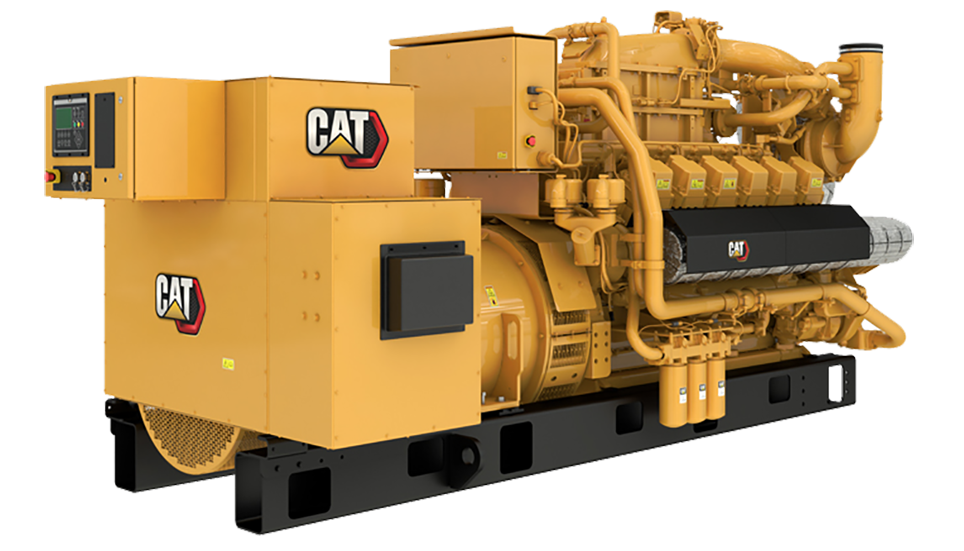
Electric Power Generation
Fabick Power Systems is your one-stop-shop for everything from commercial power and temperature solutions to emergency backup generators. Whether you need marine or industrial propulsion, continuous power, or stand-by power sources we have the Cat commercial engines for your application with system support that is second to none.
Parts
Need parts fast? Order parts online anytime! With over 1.4 million Cat parts to choose from, you’re sure to find whatever you need to keep your Cat equipment up and running.
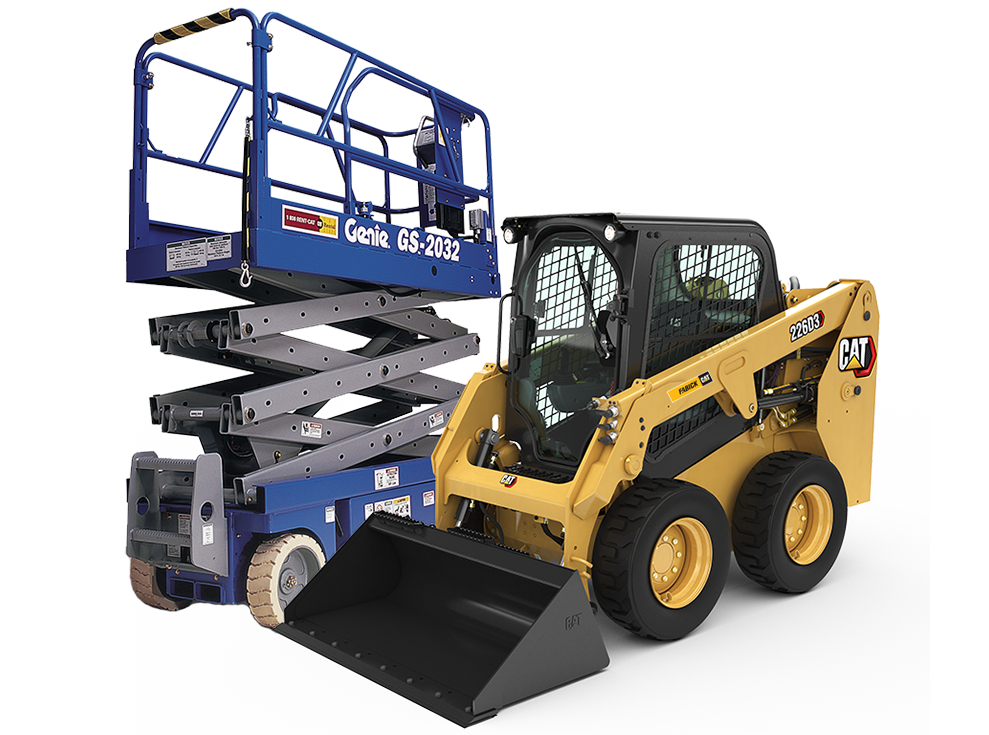
The Cat Rental Store
Let Fabick Rents be your single, convenient source for all work-site needs. With our highly trained Rental Specialists ready to serve you, you will get the right equipment for any job, fast. Fabick Rents gives you the flexibility that each job requires with the performance you expect. Our global Cat Rental Store Network makes it possible to offer the widest selection of Cat skid steer loaders, excavators, dozers, compactors, wheel loaders, telehandlers, and work tools to maximize your productivity. In addition to Cat heavy equipment rentals, we offer other top-tier brands for aerial lifts, compressors, attachments, lights, power systems and more. Let’s get the job done!
Fabick Cat Used Equipment
Fabick Cat offers an extensive inventory of used equipment to suit any need or budget. Backed by our world class service and support to keep your business running smoothly, we make sure you get exactly what you want. Low hours, great condition and the right configuration with machines qualifying for the Cat® Certified Used Program offering equipment designed to last, inspected with care, eligible for flexible financing, and backed with a Caterpillar warranty. Good-as-new performance, guaranteed.